Antivirus Tales
  • Home
  • Contact Us
  • Knowledge base
  • Support
  • All Antivirus
  • Home
  • Contact Us
  • Knowledge base
  • Support
  • All Antivirus

Step 1

20%

Q1: Kindly choose your brand name.

Step 2

40%

Q2: Kindly choose your device.

Step 3

60%

Q3: Kindly fill your contact details.

Step 4

80%

Q4: Kindly fill your contact details.

Facing trouble with your Antivirus ? - Fix Now
Bypass Sophos Firewall
  • Oct 29, 2024
  •  | 
  • By Donald Olsen
  •  | 
  •  | 
  • Views: 1952

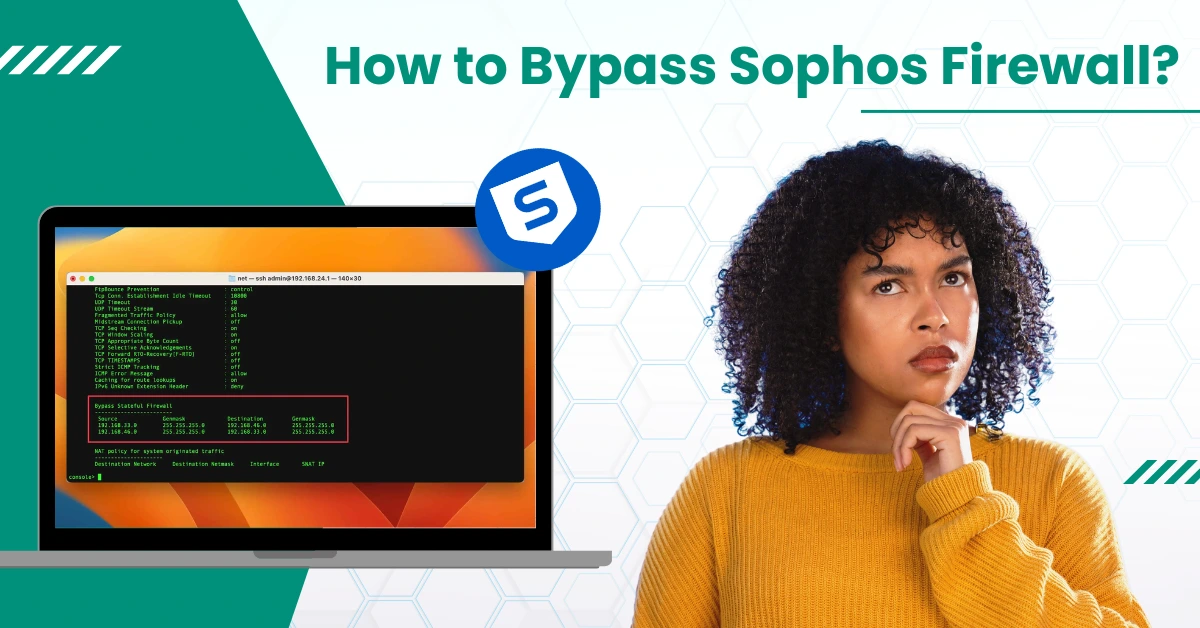
How to Bypass Sophos Firewall?

The Sophos Firewall is a cyber-security platform that enables individuals and organizations to safeguard their networks from unauthorized access and threats. However, there are situations where users may need to bypass Sophos Firewall for specific reasons, such as using proxies or bypassing web proxy scanning.

We understand that many users may find the process of bypassing the Sophos Firewall confusing. Rest assured, in this write-up, we have provided clear and effective steps to bypass the Sophos Firewall. Continue reading! Live chat with experts

Steps to Bypass Sophos Firewall

While the Sophos Firewall provides robust security features, there can be instances where users need to bypass the firewall. Go through these steps and bypass Sophos Firewall. 

Step 1: First, log into your Sophos Firewall and go to Firewall in the left panel. 

go to Firewall in the left panel

Step 2: Click Add Firewall Rule and select User/Network Rule. 

Click Add Firewall Rule and select

Step 3: Set a name for the Rule, fill in the description, and set the Rule Position to Top. 

fill in the description

Step 4: In the Source Zone, select LAN if you’re bypassing an IP address, then click Apply 1 Selected Items. 

select LAN if you’re bypassing an IP address

Step 5: In the Source Networks and Devices field, click Create New and select IP. 

Source Networks and Devices field

Step 6: Fill in the name and the IP address field, and click Save. 

name and the IP address field

Step 7: In the Destination & Services section, click Add New Item in the Destination Zones, select WAN, and click Apply 1 Selected Items. 

Destination & Services section Live chat with experts

Source:- How to Uninstall Sophos Endpoint Windows/Mac?

Step 8: In the Identity section, uncheck Match Known Users, then scroll down to the Advanced section. 

uncheck Match Known Users

Step 9: Under the Advanced section, set Intrusion Prevention to General Policy. 

set Intrusion Prevention to General Policy

Step 10: Set the Traffic Shaping policy to None and the Web Policy to Allow All. 

Set the Traffic Shaping policy

Step 11: Select Allow All for Application Control. 

Select Allow All for Application Control

Step 12: In the Log Traffic section, check the Log Firewall Traffic box. 

check the Log Firewall Traffic box

Step 13: Once done, click Save, and the Firewall rule will be added successfully. 

and the Firewall rule will be added successfully

In a Nutshell

Sophos Firewall is well-known for its robust security features. However, in certain situations, users may have to bypass it. Hopefully, the above-mentioned steps helped you to bypass the Sophos Firewall. 

If you are still figuring out how to bypass Sophos Firewall, remember that professional help is always within reach!

Was this article helpful?
Antivirus Support
Tags: Bypass Sophos Firewall
  • Share
Prev
How to Stop McAfee Pop-Ups On Windows 11?
Next
How to Uninstall ESET Cyber Security on Mac?

free consultation

Table of Contents

  • Steps to Bypass Sophos Firewall
  • In a Nutshell

Recent Post

About McAfee Corp

Learn All About McAfee Corp. [A Cybersecurity Company]

Feb 23, 2023
Kaspersky

Things You Need to Learn About Kaspersky Before Choosing It!

Feb 23, 2023
About AVG Technologies

All You Need to Know About AVG Technologies

Feb 23, 2023
Important Facts to Know About Norton

Important Facts to Know About Norton

Mar 27, 2023
Know About the Bitdefender Company

Everything You Need to Know About the Bitdefender

Mar 28, 2023
Antivirus Tales

An independent troubleshooting resource for antivirus software errors. Guides here cover installation failures, update issues, scan errors, product key problems, and more - across all major antivirus programs.

Not affiliated with any antivirus company.

Company

  • Home
  • Knowledge Base
  • Support
  • Contact Us

Issues We Resolve

  • Learn All About McAfee Corp. [A Cybersecurity Company]
  • Things You Need to Learn About Kaspersky Before Choosing It!
  • All You Need to Know About AVG Technologies
  • Important Facts to Know About Norton
  • Everything You Need to Know About the Bitdefender
  • Everything You Should Know About the Sophos

Contact Info

  • Email info@antivirustales.com
  • Contact US +1-857-557-6826
    UK +44-161-791-4591
  • Address 698 NE 1st Ave, Miami FL 33132

Copyright © 2026 by Antivirustales.com All rights reserved.

  • Terms Of Use
  • Disclaimer
  • Privacy Policy
image-not-found
1
2
3
4
5

Step 1

Let's start 😀

Which operating system do you use ?

Step 2

Step 2 to 5

Let us know the device you are facing this error/issue on:

Step 3

step 3 to 5

Let us know, since how long have you been facing this error/issue

Step 4

step 4 to 5

Kindly enter your name and email

Step 5

Last step 🏆

Let us schedule a call for you

Step 5

Completed 100% 🏆

Thankyou for contacting us

Our subject matter expert will contact you on the provided number, kindly answer all the calls.

Chat Support
🍪 We are using Cookies! For more information visit this page  Cookie policy.