
How to Add Exception in AVG Antivirus?
I remember the day when AVG Antivirus blocked one of my trusted tools for the first time. I wasn’t prepared for it. Recently, I installed a plugin for a project I was working on. But when I launched it, AVG Antivirus flagged the plugin as a threat and sent it to quarantine. Soon, it started doing the same with other files I knew were safe—blocking, removing, or flagging them unnecessarily.
This made me figure out how to stop AVG from blocking the apps I trust without disabling antivirus protection. Eventually, I discovered that I needed to add exceptions.

However, figuring out how to add an exception in AVG Antivirus wasn’t easy. It took me some time to understand the settings and how to add them correctly. If you’ve faced a similar situation, this guide is for you. I’ve explained the common issues and the correct steps to add an exception in AVG Antivirus.
Common Issues When Adding an Exception in AVG Antivirus
When you try to add an exception in AVG antivirus, it can sometimes result in several common issues. One major issue is that exception rules may not work as expected, which can be frustrating. Below are a few more common issues you may experience:
-
Wrong file paths
-
Exceptions not applied to all shields
-
Application not recognized
-
Antivirus interference with other software
Steps to Add an Exception in AVG Antivirus
If you want to learn how to add exceptions in AVG antivirus, follow the steps below. This way, you can speed up scans and prevent false-positive detections. Take a glance at the steps:
Step 1: Launch your AVG antivirus application.
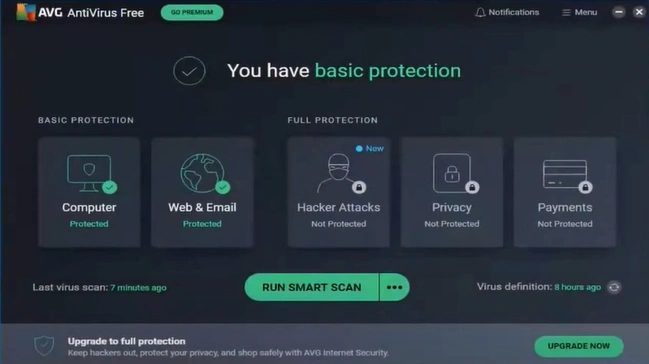
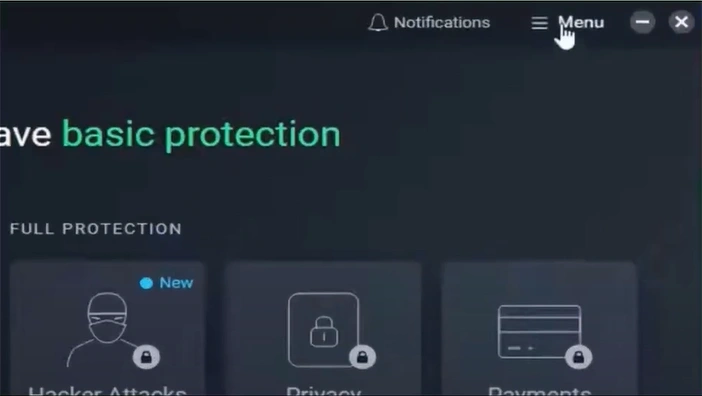
Step 2: Click the Menu icon in the top-right corner.
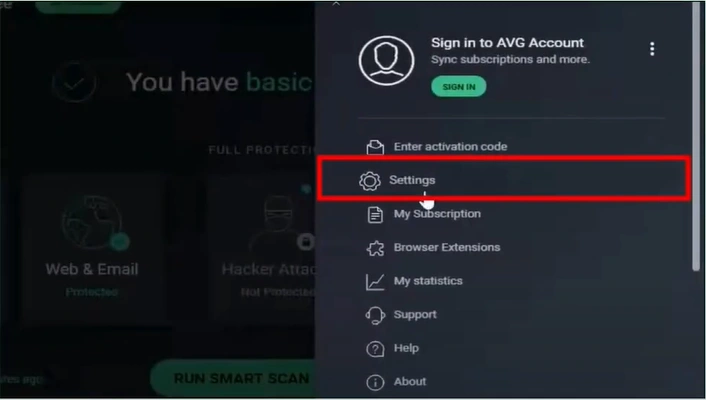
Step 3: Click on Settings.

Step 4: Go to the General tab, then click on Exceptions and select “Add Exception.”
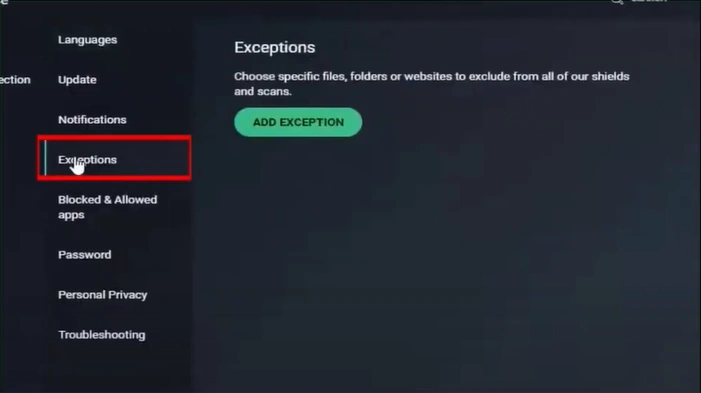
Step 5: Enter or paste the path of the file, folder, or URL you want to exclude.
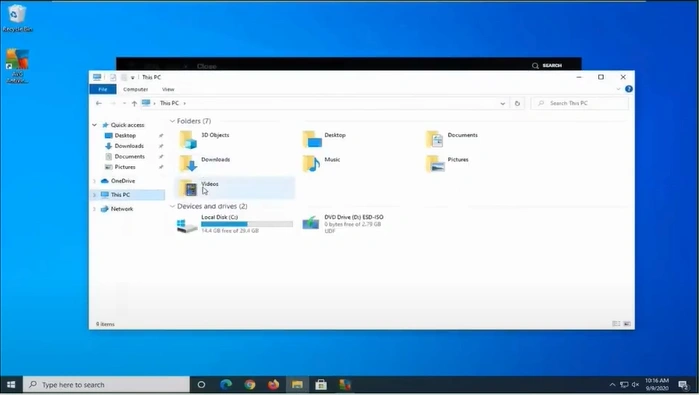
Note: You can also click “Browse” to locate and select the file, folder, or web address manually.
Step 6: Click on Add Exception.
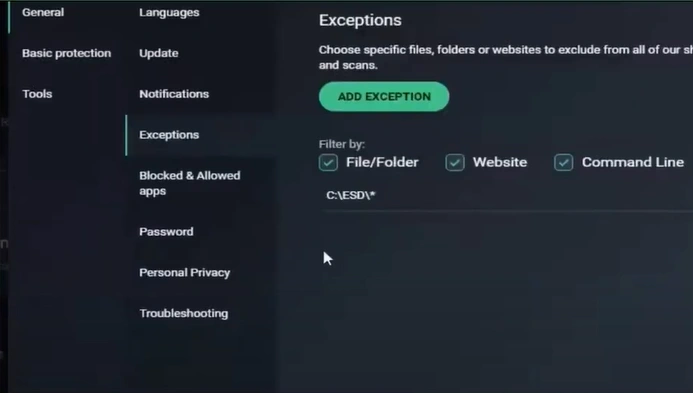
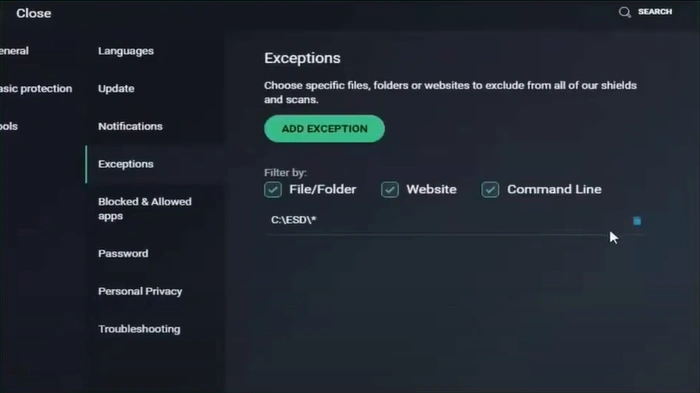
Step 7: Check if the exception has been added or not.
Also Read:- How to Install AVG Antivirus?
To Sum Up
It can be confusing to add exceptions in AVG Antivirus, especially during a critical project when a file gets blocked. However, once you learn how to add an exception in AVG antivirus, you can easily work on your projects. Follow the above steps to fix the problem.

